
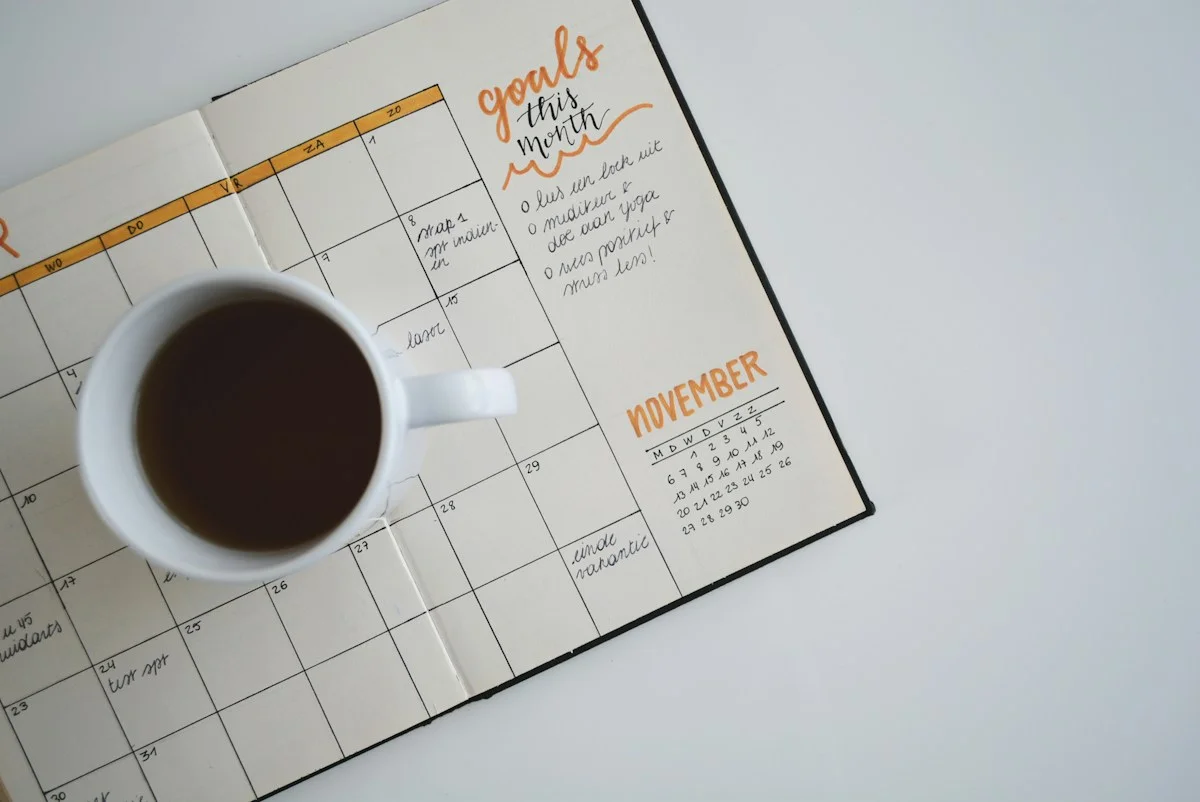
How to Plan Your Week in 30 Minutes (Simple Sunday Routine)
TheHeavyMental is reader-supported. As an Amazon Associate, we earn from qualifying purchases.
Quick answer: To plan your week, set aside about 30 minutes on the same day each week, usually Sunday. Review last week, write down every task and appointment, choose your 3 most important goals, then give each task a day and time on your calendar. Leave about 1 hour of buffer each day, and do a 5-minute check every evening to adjust.
Most weeks don’t go wrong on Wednesday. They go wrong on Sunday night, when there is no plan and Monday starts with whatever feels most urgent. A short weekly planning routine gives you a clear list of what matters, fewer surprises, and a calmer mind. This guide walks you through a simple 7-step method, a sample week, a 10-minute version for busy weeks, and the mistakes that make most weekly plans fall apart.
What You Need
- 30 minutes of quiet time. Same day and time every week, so it becomes a habit instead of a decision.
- A planner or notebook. A weekly-spread planner works best because you can see all 7 days at once.
- Your calendar. Paper or digital, with work, classes, family events and prayer times already in it.
- Last week’s to-do list. Unfinished tasks are the starting point for the new week.
- Two colors of pen or highlighter. One for fixed commitments, one for your top goals.
Why Planning Your Week Works Better Than Planning Day by Day
A daily to-do list only shows you today. That makes it easy to fill Monday with small tasks and push the big, important work to “later” again and again. A weekly plan shows you the whole picture, so you can spread hard work across the week and see an overloaded day before it arrives.
Weekly planning also lowers mental clutter. When every task lives on paper, your mind stops trying to remember everything at once. Many people find they worry less on Sunday night simply because they know what Monday holds.
Finally, a weekly plan makes it easier to say yes or no. When someone asks for your time on Thursday, you can look at the page and give a clear answer instead of guessing.
Check Your Week Type First
Not every week needs the same kind of plan. Before you start, look at what is coming and decide which type of week it is. This changes how much you schedule and how much space you leave open.
| Week type | What it looks like | How to plan it | Buffer time per day |
|---|---|---|---|
| Normal week | Regular work or classes | Full 7-step plan | About 1 hour |
| Heavy week | Deadlines, exams, travel | Top 3 goals only, in detail | 1.5 to 2 hours |
| Light week | Holidays, fewer meetings | Add one personal project | About 30 minutes |
| Recovery week | After illness or a long trip | Fixed commitments and rest only | 2+ hours |
If you are not sure, treat it as a normal week and adjust at your mid-week check.
How to Plan Your Week: Step by Step
- Review last week for 5 minutes. Look at what got done, what didn’t, and why. Write one sentence about what you want to do differently this week.
- Do a full brain dump. Write every task, errand, call and idea on one page. Don’t sort anything yet. Getting it all out of your head is what lowers the mental load.
- Add your fixed commitments. Put work hours, classes, appointments, family time and the five daily prayers on the calendar first. Everything else has to fit around these, so they go in before anything else.
- Pick your top 3 goals for the week. Ask yourself, “If I only finish three things, which three make this a good week?” Highlight them. Everything on the brain dump that isn’t one of these is lower priority.
- Break each goal into small tasks. “Finish report” becomes “outline Monday, draft Tuesday, edit Wednesday.” Small tasks are easier to schedule and much easier to start.
- Time-block your tasks. Give each important task a specific day and time, such as Tuesday 9:00 to 10:30 AM. Put your hardest work in your highest-energy hours, which for most people is the morning.
- Leave buffer time and plan a daily check-in. Keep about 1 hour per day unplanned for things that run late. Then set a 5-minute evening review to move any task that didn’t happen to a new slot.
Tip: Use a focus timer during your time blocks. Working in 25- or 50-minute sessions with a short break in between makes a long block feel much easier to start. You can find timers and other tools in our Study & Focus Gear section.
Questions to Ask in Your Weekly Review
Step 1 is the one most people skip, yet it is what makes each week better than the last. Keep these questions on a sticky note inside your planner and answer them in a few words each.
| Question | Why it helps | Example answer |
|---|---|---|
| What did I finish? | Builds momentum and confidence | “Sent the proposal, 3 gym sessions” |
| What didn’t get done, and why? | Shows patterns in your planning | “Too many tasks on Monday” |
| What drained my time? | Finds distractions to remove | “Phone during study blocks” |
| What is the one thing to change? | Turns the review into action | “Plan only 4 tasks per day” |
| What am I grateful for this week? | Ends the review on a calm note | “Quiet mornings after Fajr” |
Answering just the first and fourth questions is enough on a tired Sunday. The point is to learn something, not to write an essay.
A Sample Weekly Plan
Here is how a planned week might look for someone who works or studies from home. Your times will be different, but the pattern stays the same: important work early, lighter tasks later, and space between blocks.
| Day | Morning (deep work) | Afternoon (lighter tasks) | Evening |
|---|---|---|---|
| Monday | Top goal 1: outline | Emails, calls | 5-min review |
| Tuesday | Top goal 1: draft | Errands | Family time |
| Wednesday | Top goal 2 | Mid-week check | Exercise |
| Thursday | Top goal 2 | Meetings | Reading |
| Friday | Top goal 3 | Wrap up, clear inbox | Rest |
| Weekend | Family, rest | 30-min weekly plan | Early night |
For most people, scheduling deep work in the morning and admin tasks in the afternoon is the best balance.
How to Plan Your Week in a Paper Planner vs an App
Both work. The best tool is the one you will actually open every day.
| Feature | Paper planner | Calendar app |
|---|---|---|
| Focus | No notifications | Easy to drift into other apps |
| Memory | Writing by hand helps recall | Reminders do the remembering |
| Sharing | Hard to share | Easy to share with family or team |
| Changes | Messy when plans change | Drag and drop |
| Best for | Goals, study, deep work | Busy schedules, shared events |
Many people use both: a calendar app for appointments and a paper planner for goals and daily tasks. If you prefer paper, browse our Planners & Journals section for weekly layouts, desk calendars and wall planners that keep the whole week in view.
How to Plan Your Week as a Student
Students have a fixed class timetable, so the structure is already half done. The challenge is fitting study time, assignments and revision around it.
- Start with the timetable. Add every class and lab, then mark free periods. These gaps are perfect for short review sessions.
- Write every deadline in one place. List all due dates for the next 2 to 3 weeks at the top of your weekly page so nothing sneaks up on you.
- Plan study blocks by subject. Give each subject at least two 45-minute blocks per week instead of one long cram session.
- Review the same day you learn. A 15-minute review on the evening of a lecture saves hours before an exam.
- Keep one evening free. Rest is part of the plan, not a reward for finishing it.
How to Plan Your Week When You’re Busy
On a heavy week, a full plan can feel like one more job. Use this 10-minute version instead:
- Write only your top 3 goals. Skip the brain dump.
- Block one 60-minute session per goal. Put them in the calendar before anything else.
- Protect sleep and prayer times. These keep your energy steady when the week is hard.
- Say no early. If a new request doesn’t fit, say so on Monday, not Thursday.
This short version still gives the week a clear direction, and you can switch back to the full routine next week.
Common Mistakes to Avoid
- Planning every minute. A schedule with no gaps breaks the first time a meeting runs late. Leave about 1 hour of buffer each day.
- Too many “top” goals. If you have 10 priorities, you have none. Keep it to 3.
- Writing tasks without times. “Work on project” rarely happens. “Tuesday 9 AM, write 2 pages” usually does.
- Skipping the review. Without a quick look back, you repeat the same mistakes every week.
- Planning on Monday morning. By then the week has already started. Plan the day before, while your head is clear.
While you’re building a weekly planning habit, it helps to understand the bigger picture of how this site can help you build focus, better sleep and stronger habits. Our Start Here page shows you where to begin.
Frequently Asked Questions
What is the best day to plan your week?
Sunday is the most popular day because it comes right before the work week. Any day works if you keep it the same each week, such as Friday afternoon or Saturday morning after Fajr.
How long should weekly planning take?
About 20 to 30 minutes once the habit is set. Your first few sessions may take 45 minutes while you learn what to include and what to leave out.
What should a weekly plan include?
Fixed commitments, your top 3 goals, the tasks for each goal with a day and time, and some buffer time. Many people also add a habit tracker or one personal goal.
Is it better to plan weekly or daily?
Do both. The weekly plan sets the direction, and a 5-minute daily check keeps it realistic when things change.
What if I don’t follow my weekly plan?
That’s normal at the start. Move unfinished tasks forward, look at why they slipped, and plan a little less next week. A plan you finish 80% of beats a perfect plan you drop.
Should I plan my weekend too?
Plan only the fixed parts, such as family visits or errands, and your weekly planning session. Leave most of the weekend open so you can rest and come back to Monday with energy.
Photo Credits
Featured image: Estée Janssens via Unsplash, Unsplash License (resized). All other photos are credited in their captions.